


CNC Programming Essentials: Understanding Machine Codes
CNC (Computer Numerical Control) technology drives modern manufacturing. At the heart of CNC operations are machine codes, commands that tell the machine how to move, operate tools, and perform precise tasks. Commonly referred to as G codes and M codes, these instructions control everything from spindle rotation to feed rates and coolant activation.
A thorough understanding of CNC machine codes is essential for machinists, engineers, and manufacturing professionals who want to maximize efficiency, maintain accuracy, and reduce errors in production environments.
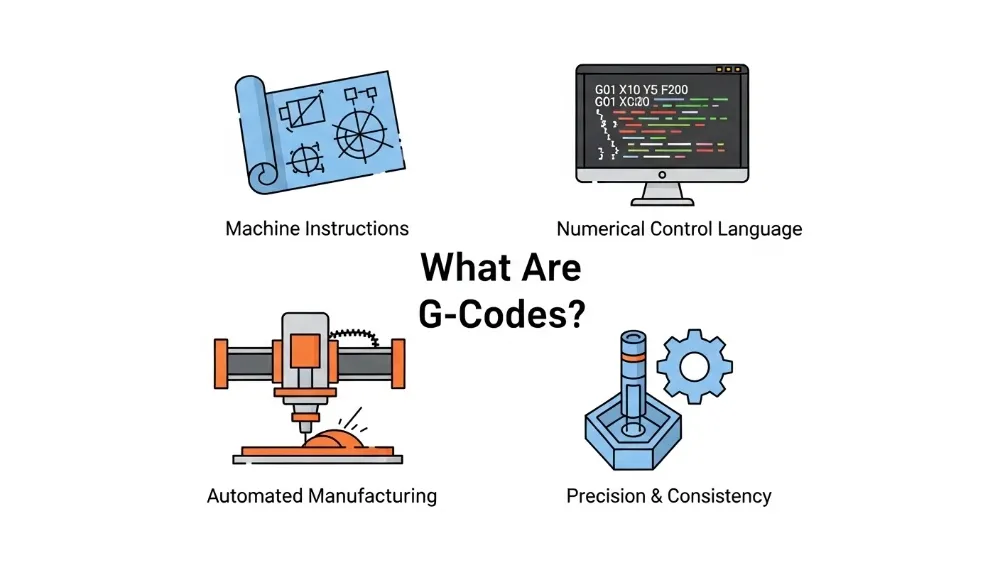
What Are G Codes?
G codes are primarily motion commands used to control the geometric path of the cutting tool. They define movements such as linear interpolation, circular arcs, or rapid positioning. Each G code corresponds to a specific motion or function within a program.
Examples of common G codes include:
- G00: Rapid positioning, moves the tool quickly without cutting.
- G01: Linear interpolation for precise cutting along a straight line.
- G02 / G03: Circular interpolation in clockwise and counterclockwise directions.
- G90 / G91: Absolute vs incremental positioning modes.
By properly programming G codes, machinists ensure tools follow the exact path required, producing accurate parts with minimal waste.
What Are M Codes?
M codes are miscellaneous commands that manage auxiliary functions and machine operations. Unlike G codes, which control motion, M codes handle tasks like starting or stopping the spindle, turning on coolant, or ending a program.
Common M codes include:
- M03 / M04: Spindle rotation clockwise/counterclockwise.
- M05: Spindle stop.
- M08 / M09: Coolant on/off.
- M30: End of program.
These codes allow the operator to control the machine environment and ensure safe, efficient machining.

Difference Between G Codes and M Codes
While both G and M codes are integral to CNC programming, they serve distinct purposes:
- G Codes: Primarily control tool motion and geometry.
- M Codes: Manage machine operations and auxiliary functions.
Understanding this distinction is key to writing effective CNC programs and avoiding operational mistakes that could damage tools or workpieces.
How CNC Codes Influence Machining
The choice and sequence of CNC codes directly impact:
- Tool Path Accuracy: Proper G code programming ensures the tool follows the correct path, maintaining dimensional precision.
- Surface Finish: Smooth tool motion reduces chatter and improves finish quality.
- Cycle Time Efficiency: Optimizing G and M code sequences reduces idle time and unnecessary tool movement.
- Tool Life: Controlled speeds, feeds, and spindle operations extend cutting tool longevity.
Optimized CNC programming reduces errors, material waste, and overall production costs.
Key G Codes and Their Applications
G00 – Rapid Move
Used to position the tool quickly to a starting point. Essential for minimizing non-cutting time.
G01 – Linear Cutting
Controls linear cutting operations. Feed rate must be set appropriately to avoid excessive tool wear or poor finish.
G02 / G03 – Circular Interpolation
Enables cutting arcs and circles. Precision is critical for components like gears or rounded features.
G90 / G91 – Positioning Modes
Absolute mode (G90) references a fixed point, while incremental mode (G91) references the current tool position.
G28 – Machine Home
Automatically returns the tool to the machine’s reference position for safety or tool changes.
Key M Codes and Their Applications
M03 / M04 – Spindle Control
Spindle rotation direction must match tool and material requirements.
M05 – Spindle Stop
Stops the spindle before moving to a safe position or ending a program.
M08 / M09 – Coolant Control
Engages or disengages coolant, reducing heat and improving tool life.
M30 – End Program
Indicates the program’s completion, resetting parameters for the next run.
M06 – Tool Change
Triggers automatic or manual tool replacement in multi-tool setups.
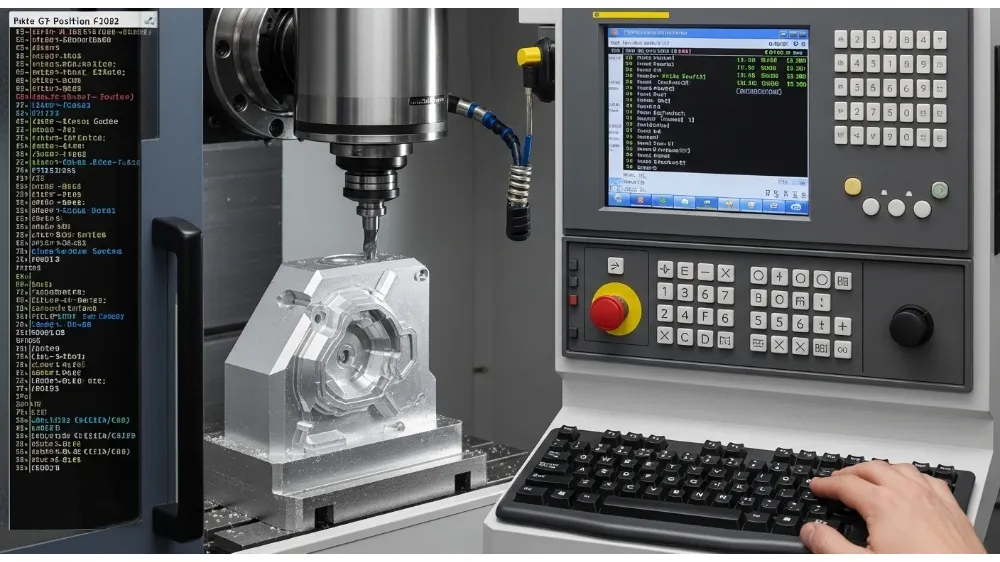
How to Write CNC Programs Using Codes
- Plan the Tool Path: Map out all cutting sequences before writing the program.
- Set Initial Conditions: Include work offsets, tool offsets, and spindle speeds.
- Sequence G Codes and M Codes: Ensure motion commands are paired with appropriate machine functions.
- Include Safety Commands: Add stops, dwell times, and home positions to prevent collisions.
- Simulate Before Machining: Software simulations help catch errors before material removal.
Adhering to these steps ensures efficient and safe CNC operation.
Common Mistakes in CNC Programming
- Confusing G code modes (absolute vs incremental).
- Omitting M codes for spindle or coolant operations.
- Incorrect sequencing leading to collisions or tool breakage.
- Overlooking feed rate or speed adjustments for material type.
- Copy-pasting code without adapting to specific machine or tool conditions.
Proper understanding and planning prevent these issues and increase production reliability.
Best Practices for CNC Code Management
- Maintain consistent code formatting for readability.
- Document programs with comments for future reference.
- Use version control to track program modifications.
- Train operators regularly on new codes and machine updates.
- Integrate CAM software to automate code generation for complex geometries.
Advanced CNC Programming Tips
- Leverage macro commands to simplify repetitive tasks.
- Apply subprograms for multi-step operations.
- Use canned cycles for drilling, tapping, and pocketing.
- Monitor real-time machine feedback to optimize feed, speed, and tool selection.
Applications Across Industries
CNC machine codes are critical in:
- Automotive: Engine components, chassis parts, and transmission gears.
- Aerospace: Precision components like turbine blades and structural frames.
- Medical Devices: Surgical instruments and implants requiring tight tolerances.
- Consumer Electronics: Small mechanical parts, housings, and connectors.
Mastery of machine codes ensures consistent quality and high-volume production efficiency.
Frequently Asked Questions (FAQ)
Q1: What is the difference between G codes and M codes?
G codes control motion and tool paths, while M codes manage machine functions like spindle rotation and coolant.
Q2: Can I operate a CNC machine without knowing G and M codes?
Basic operation may be possible with pre-programmed CAM outputs, but understanding codes is essential for troubleshooting and optimization.
Q3: Are machine codes standard across all CNC machines?
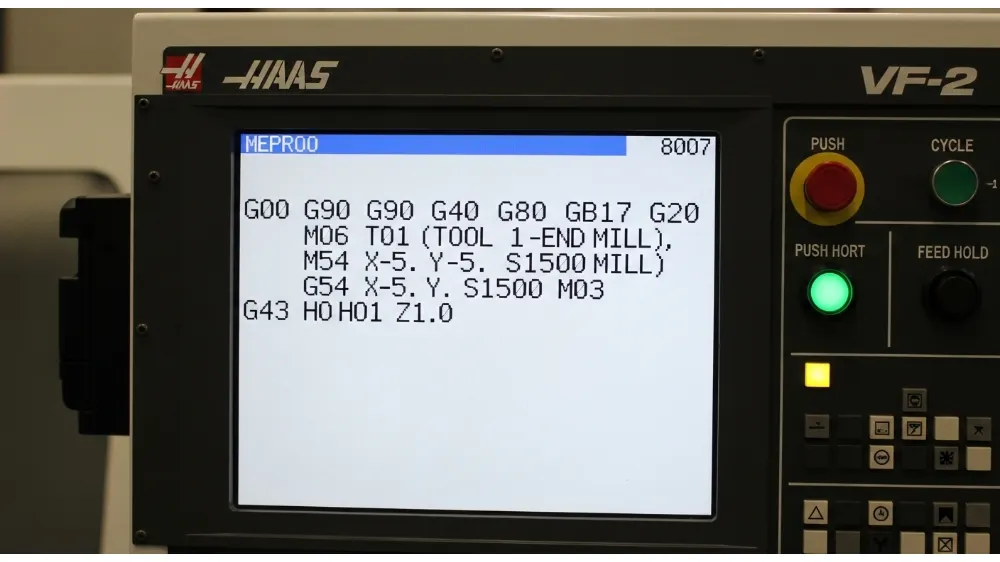
While many codes are standardized, some machines use manufacturer-specific variations. Always check your machine’s manual.
Q4: How do I improve surface finish using codes?
Adjust feed rate, cutting speed, and tool path strategy using G codes, and ensure proper coolant application with M codes.
Q5: What happens if an M code is omitted in a program?
Omitting M codes can result in spindle not starting, no coolant flow, or unexpected tool behavior, risking tool and workpiece damage.
Q6: Can G and M codes be combined in a single line?
Yes, many programs combine motion and machine commands for efficient execution, but sequencing must be correct to avoid errors.
Conclusion
A deep understanding of CNC machine codes—both G codes for motion and M codes for machine functions—is fundamental to efficient, safe, and precise machining. Proper programming ensures optimal tool performance, reduced waste, and consistent product quality. Mastery of these codes empowers manufacturers to maximize CNC capabilities across industries, from automotive and aerospace to medical and consumer electronics.
